
The environment
The Jewely Laravel sites run on a three-server Docker Swarm cluster on AWS. An nginx load balancer spreads traffic across the application containers. Updates happen without downtime: the new container starts before the old one stops, and Swarm rolls back to the previous version automatically if something fails.
Deployment is automatic. When a new image reaches AWS ECR, an EventBridge rule calls a Lambda function, which starts the cluster update through AWS SSM. One house's preproduction deploys the same way.
This environment was set up by Jewely's AWS server lead. I was its main user: I deployed on it every day, for every house. That is how I came to take part in improving it.
The incident
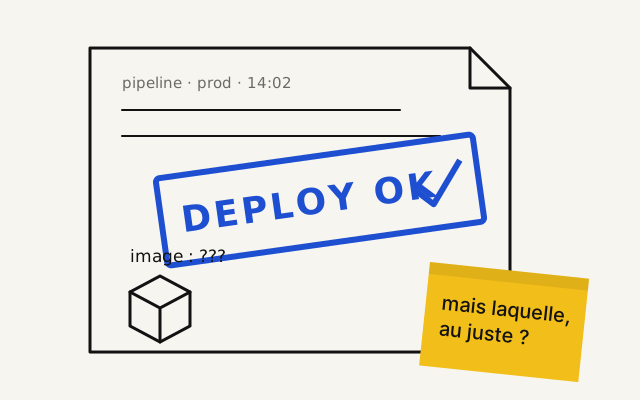
On 2 March 2026, a deployment was reported as successful. The Lambda function had received an error-free response to its update command. In production, the site was still running the old image.
I analysed the incident. The cluster servers' disks were full. The new image could not start, and Swarm had rolled back to the previous version without failing the deployment. The "successful" status did not match what was running in production.
In ecommerce, a checkout fix could be announced as shipped while the shop was still running the old code.
The reliability work
I wrote the incident report, then took part in making the deployment reliable. I wrote a deployment agent that, through AWS SSM:
- compares the image published in ECR with the one the service actually runs;
- detects a rollback instead of stopping at the first "successful" status;
- cleans the servers when their disks get close to the limit.
The image retention policy in ECR was also reviewed, so old images stop piling up.
The result
A deployment reported as successful now matches what runs in production. When one fails, the cause is identified: rollback, unexpected image, or full disk.
The incident is also told in the journal: When a deployment succeeds without really succeeding.